

A work call. A conversation with a friend. A film you've finally made time for. That's usually why you come online. Configuring a VPN probably wasn't on the list.
Lama is a VPN for your phone and computer. The subscription, payment and setup guide live in one account. It's a useful place to look at the whole journey: what happens before you connect, and where you return a month later.
Start with the subscription
Choose a month or a year on the site, confirm your email with a code, then pay through YooKassa. Your account is created along the way. There's no password to invent.
Once payment is confirmed, your personal subscription appears in the account with instructions for connecting. You don't have to message an administrator and wait for a configuration file.
The account stays useful after the first connection. It's where you check your access, renew the subscription or set up another device.
Lama provides access. Happ connects.
Lama recommends Happ for connecting. Install it on your device, open your Lama account and tap “Add to Happ.” Allow the app to open, select the Lama profile and connect.
Your account also has a subscription link and a QR code for manual setup. If you already use Hiddify, you can add the same subscription there.
Keep your personal link private, just as you would a password. It gives access to your subscription, so leave it out of public conversations and screenshots.
Two plans without a gigabyte counter
At publication, Lama has two options:
| Plan | Price | Access |
|---|---|---|
| Monthly | 800 ₽ | One month |
| Annual | 8,000 ₽ | Twelve months |
Both include unlimited traffic by volume. Payments are one-time, with no automatic renewal. Renew from your account when you want to continue.
Check Lama's current plans for the latest terms. The prices here were checked against the site on October 23, 2026.
What the VPN protects
Lama encrypts the connection between your device and the VPN server.
It doesn't make everything you do online anonymous. A website you sign in to still knows it's you. HTTPS still matters, too. Read Lama's data policy for the details.

The experience starts before connecting
At AppNative, we often look at a product through its first user journey. Someone arrives with a task. How many decisions stand between them and getting it done?
With Lama, that journey can happen on the site: choose access, confirm an email address, pay and collect the subscription. On the next visit, there's no need to dig through old messages for settings. The account is already there.
These details are easy to postpone. Yet they're often the first part of the service a person experiences, before they can judge the technology behind it.
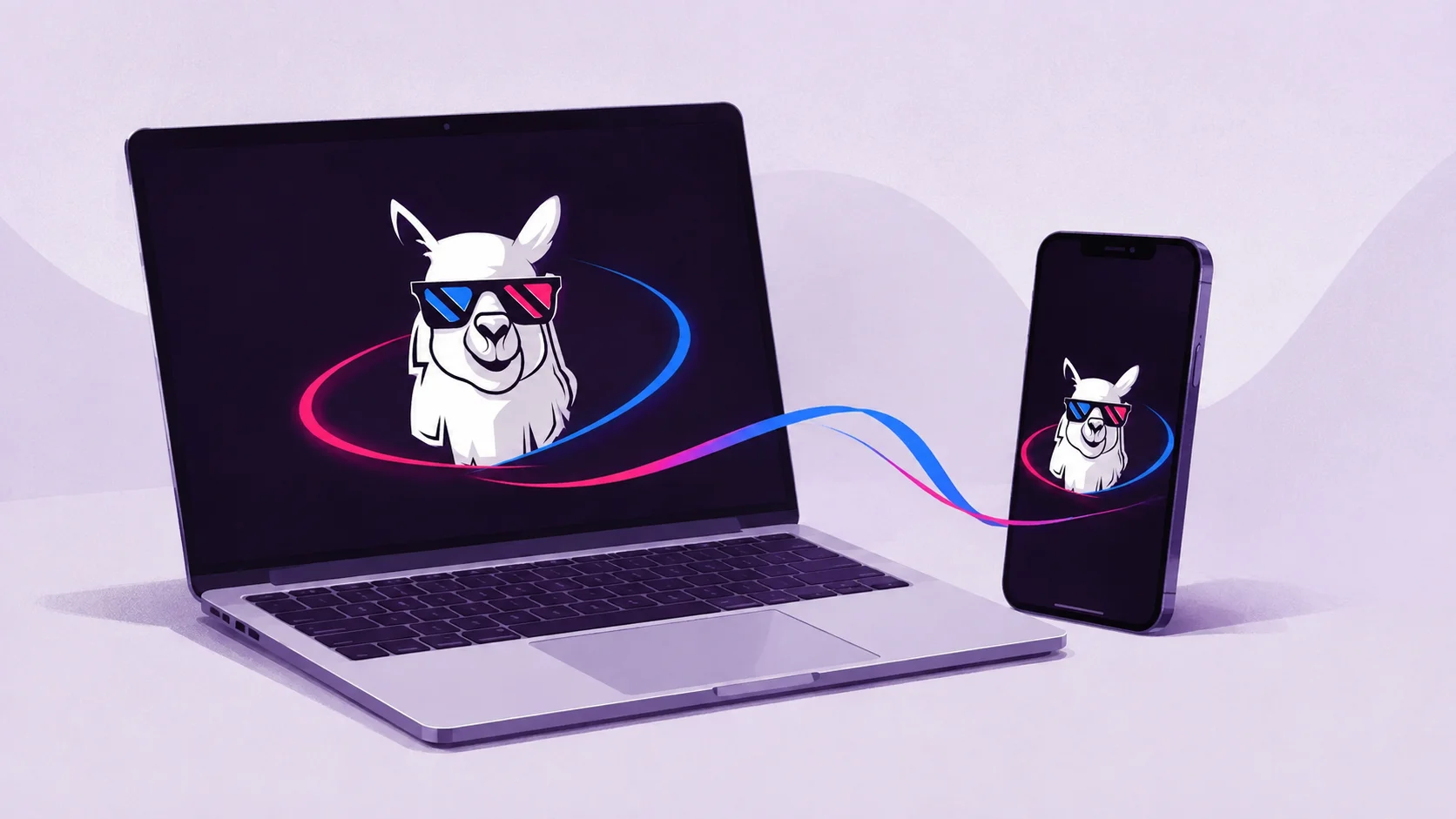
And the llama in sunglasses is a reminder that useful software can have some personality.
Back to your day
Connect your device, keep your personal link somewhere safe and return to what you opened the laptop for.
Your VPN. Your rhythm.
Adapted for AppNative from the Lama story in ravefox blog, originally published on September 1, 2026. Illustrations: Lama / Ravefox Lab.